
Keyboard shortcuts

Go to (press G then…)

  • Dashboard G D
  • Leads G L
  • Customers G C
  • Contacts (peOple) G O
  • Projects G P
  • Tasks G T
  • Marketing campaigns G M
  • Quotations G Q
  • Sales orders G S
  • Service desK G K
  • Invoices G I
  • Suppliers G U
  • Reports G R
  • Activity G A
  • Chat G H
  • Inbox G N
  • Products G B
  • Help centre (Wiki) G W

Create new (G, section, then N)

  • New lead G L N
  • New customer G C N
  • New quotation G Q N
  • New invoice G I N
  • New sales order G S N
  • New service desk case G K N
  • New task G T N
  • New project G P N

On the current page

  • New N
  • Edit E
  • Focus search /

Within a list

  • Next / previous row J / K
  • Open focused row Enter
  • Toggle select on row X

General

  • Global search (all records) ⌘K
  • Open this cheat sheet ?
  • Close dialog / clear chord Esc
Press N after any creatable section (also suppliers, products, campaigns) to open its new form. Shortcuts are ignored while typing in inputs. Press Esc to close this dialog or clear a pending chord.

Book a Demo

See Beagle CRM in action

Get a comprehensive, developer-led walkthrough tailored to your business. A real developer — not a salesperson — will show you exactly how Beagle CRM fits the way you work.

A full, hands-on demo of every feature you care about

Honest answers about whether it's right for you

No pressure, no scripts — just a real conversation
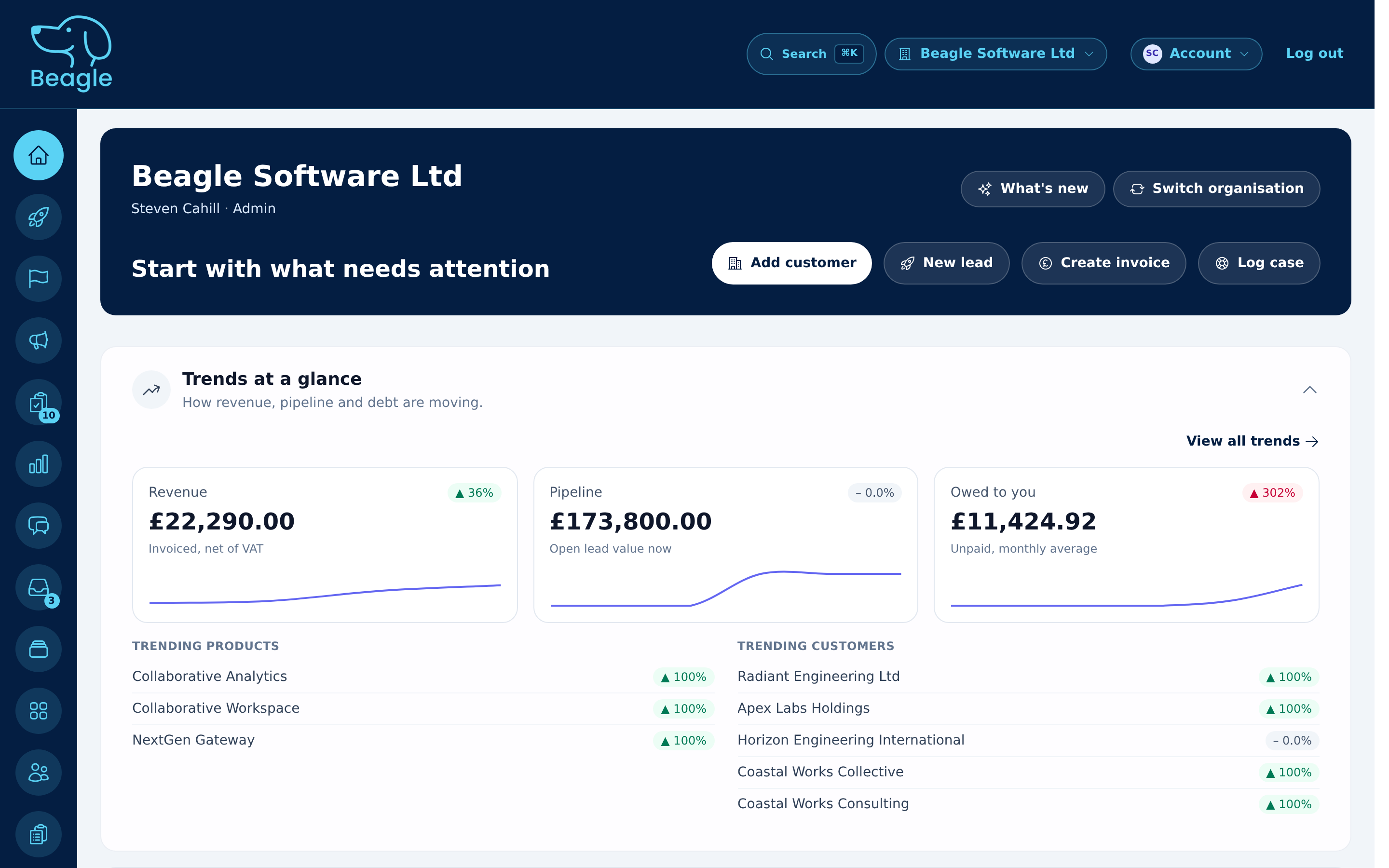
Beagle CRM dashboard preview

Request your demo

Tell us a little about your business and we'll be in touch.