
Workflow controls
Automations
Admin / Agent
Automations let admins and agents tune the built-in workflow rules that create follow-up actions around leads, quotations, overdue invoices, and new customers.
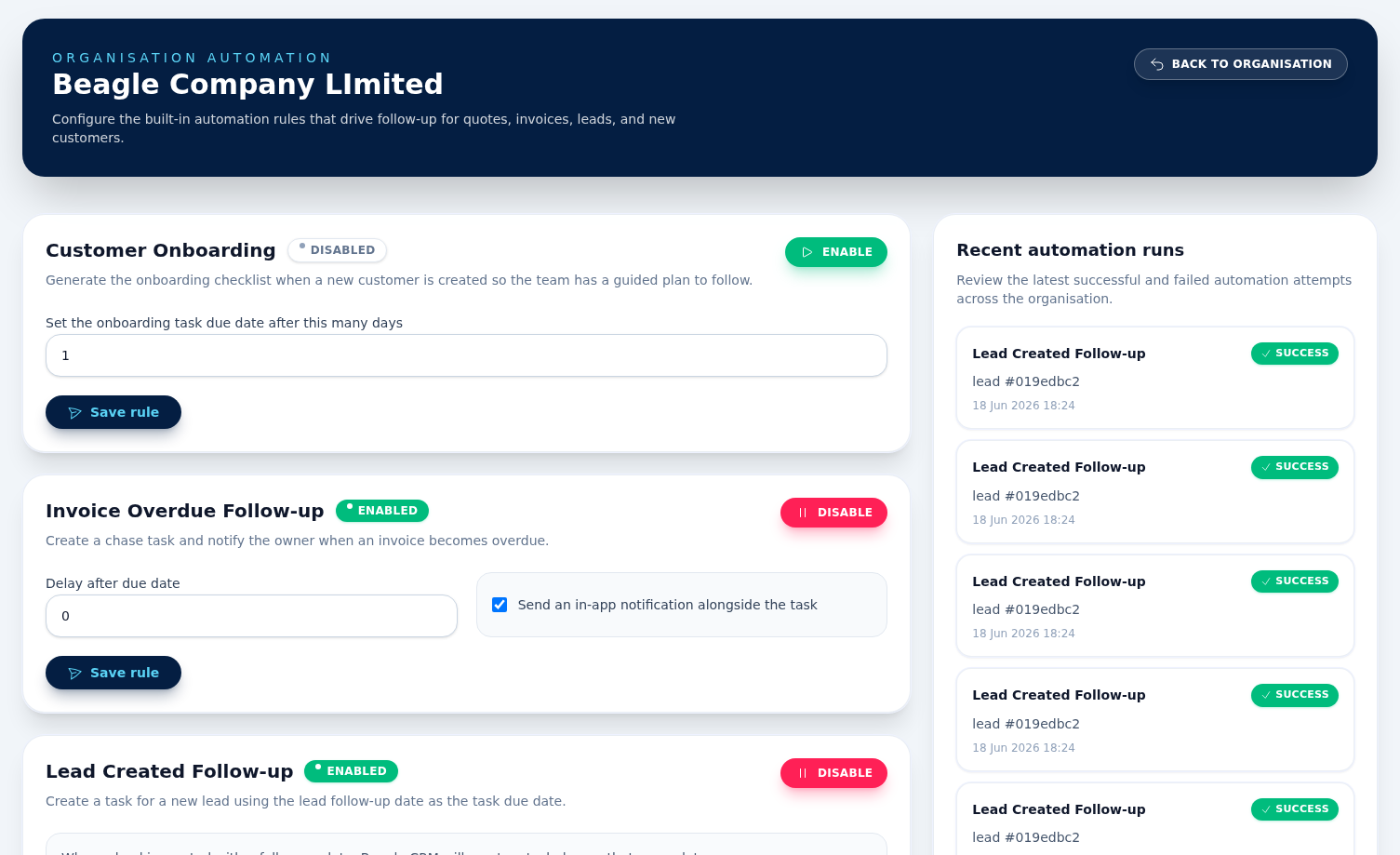
Built-in rules
Open Automations from organisation settings to enable or disable the standard rule templates and edit settings such as delay days, stale-day thresholds, due-in-days, and notification behaviour. Not every rule has settings.
Recent automation runs
The sidebar shows recent successful and failed automation runs so you can confirm that rules are firing against the right records and spot problems quickly.
What each built-in rule does
- Lead Created Follow-up creates a task for a new lead using the lead follow-up date as the task due date. It has no editable settings — it is either on or off.
- Quote Sent Follow-up creates a follow-up task after a quotation is sent. The default delay is 3 days.
- Invoice Overdue Follow-up creates a chase task and can notify the owner when an invoice becomes overdue.
- Lead Stale Follow-up creates a reminder task when an active lead has not moved for the configured stale threshold. The default threshold is 14 days.
- Customer Onboarding generates onboarding checklist tasks from the organisation's default onboarding template when a new customer is created. Its only setting is due in days, which sets how far ahead the generated tasks are due (the default is 1). This rule is disabled by default so new workspaces can decide when to turn it on.