
Refunds & credits
Credit notes
Refund or account credit
Raise a credit note from an invoice when you need to reduce what is owed, return money, or store value on the customer account. A credit note is Issued the moment you create it — there is no draft step and nothing to send — and it stays that way until it is Voided.
Choose the credit mode
You can create a Full Credit, credit selected invoice lines, or enter a Custom Amount with its VAT rate. BeagleCRM shows the maximum creditable balance before you confirm.
Paid vs unpaid invoices
For unpaid invoices, the credit normally applies back to the invoice balance. For paid invoices, you choose whether the issued credit becomes Account Credit or a Refund.
Refund details & account credit
Refund credits can store a refund method, reference number, and refund date. Account-credit resolutions increase the customer's available balance so it can be applied to a future invoice.
Numbering, history & voiding
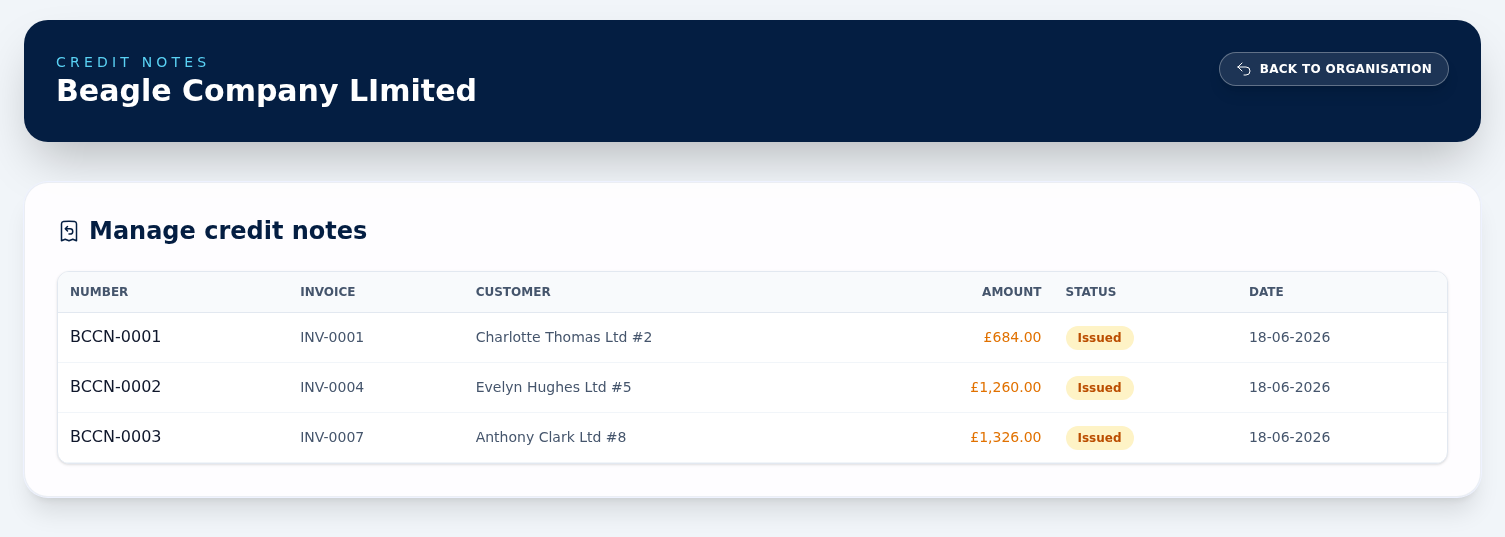
Credit notes have their own prefix and next number in Organisation Settings. The credit notes list links each note back to its invoice, and admins can void an Issued credit note with a reason.
What voiding undoes depends on the resolution. Only a credit that went back against the invoice restores the invoice balance. Voiding an Account Credit note reverses the customer's credit instead — reopening any invoice that credit had been applied to — and voiding a Refund note simply marks the note voided, because the invoice balance was never reduced in the first place. Money already refunded to the customer is not chased back for you.
Effect on the sales order and stock
If the invoice came from a sales order, issuing any credit note against it sends that order back to Pending and returns the stock-tracked units it took out, as a Return movement on each product. This happens whatever the credit is worth, so a small partial credit reopens the whole order. The new-credit-note form warns you which order is about to be reverted before you confirm. Orders that are already Pending or Cancelled are left alone, and voiding the credit note afterwards does not put the order back — walk it forward again yourself.